One published price
$9.99 USD per month plus a 1% TicketOpus transaction fee. Stripe processing fees are separate.
Review pricingEvaluation guide
A useful comparison follows one real booking from your website through checkout, the day of the visit, and the books. These are the questions to ask any vendor, including us.

Where to start
$9.99 USD per month plus a 1% TicketOpus transaction fee. Stripe processing fees are separate.
Review pricingAsk to see one of your own bookings go from the website through checkout, a change or refund, the day-of manifest, and the payout report, not just the booking screen.
Request a tailored demoFor each feature or integration you depend on, ask whether it is available now, who supports it, and what moving your data will involve.
Plan your migrationA feature checklist can hide where staff still rebuild context by hand.
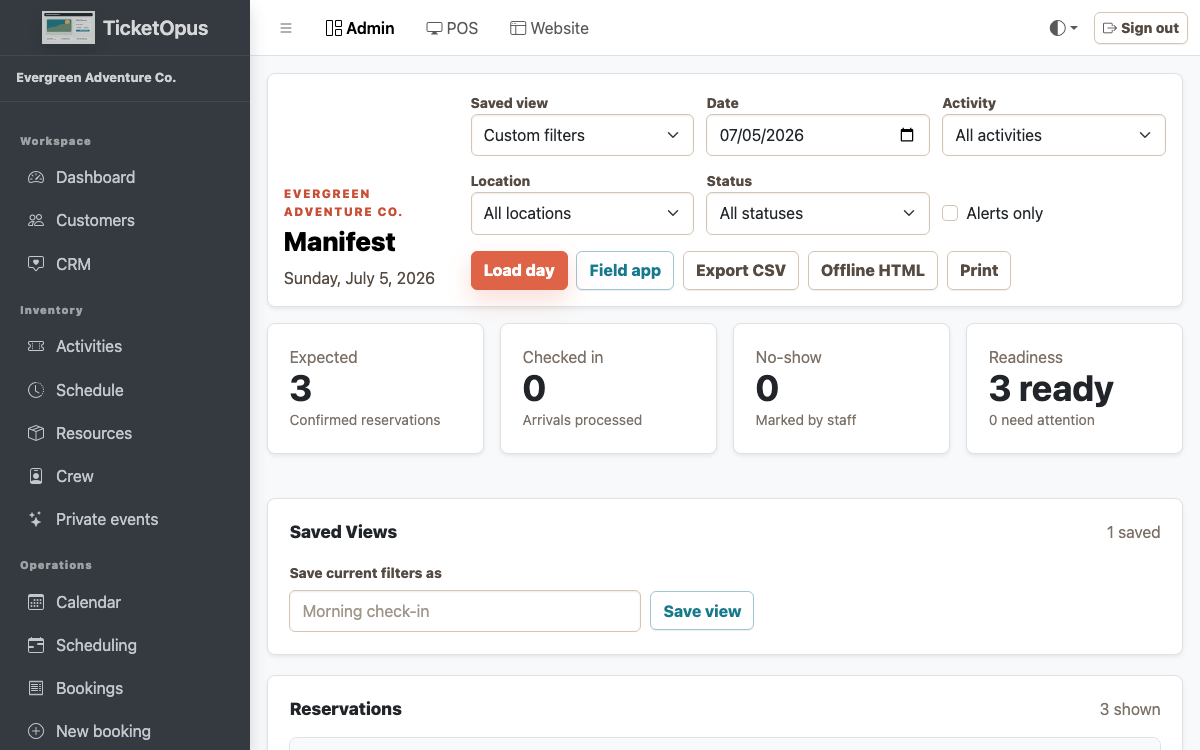
See it working instead of reading a feature list.
Running an evaluation
Write down how a booking moves through your business today.
Pick the bookings, changes, and reports that have to work on day one.
Ask each vendor to run those scenarios live, then compare the results.
Agree the migration plan and launch date with the vendor you pick.
Questions before launch
Yes. The platform is designed so an operator can begin with direct booking or another priority workflow and add connected capabilities as the operation matures.
Yes. Add the booking widget to your current site, or build a new site with the TicketOpus website builder.
Start with future bookings, catalog and schedules, customer records, payments and balances, integrations, domains, reporting, and the staff workflows that must work on launch day.
No. Stripe payments, the External API, webhooks, and SCIM directory sync are live. QuickBooks, Xero, OTA marketplaces, and Google Things to Do are not connected yet, so check with us about any connection your launch depends on.