Day-of operations
Keep arrivals moving when volume peaks
Use manifests, tickets, scanners, waiver readiness, mobile workflows, and offline-aware operations to keep the gate or meeting point organized.
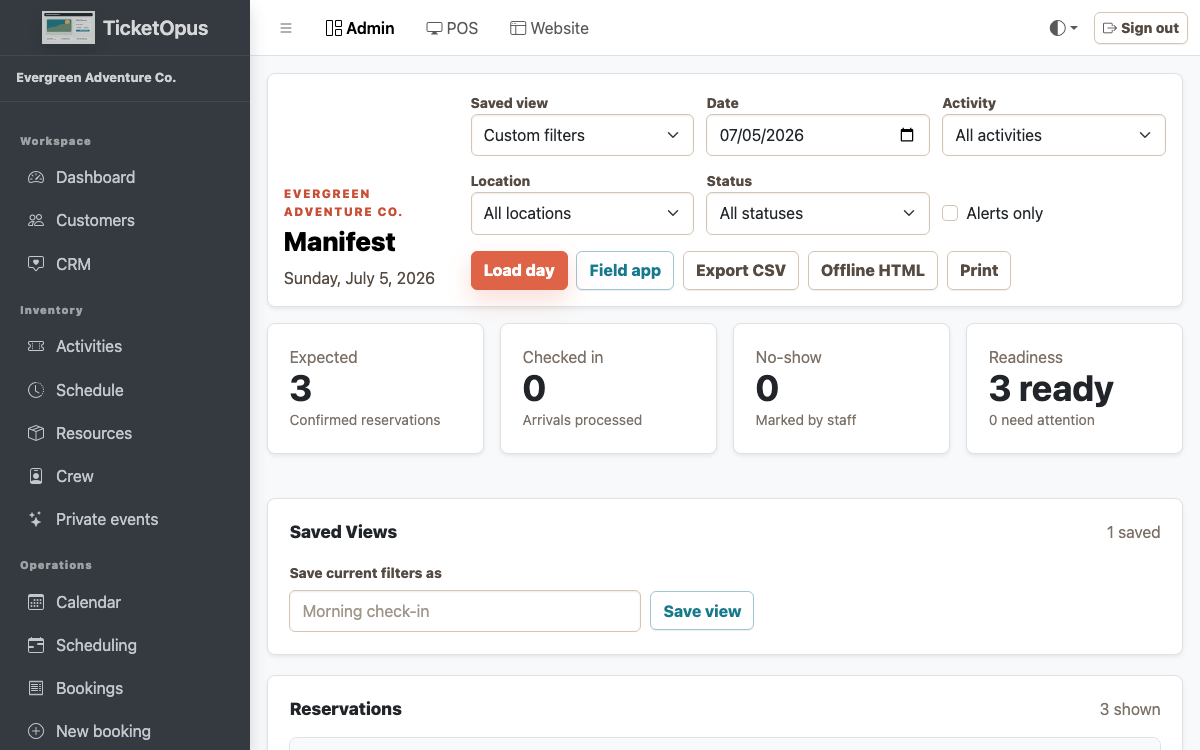
Readiness before arrival
Surface missing signatures, balances, assignments, and guest notes before they become a line problem.
- Manifest filters and exports
- Waiver and payment readiness
- Crew and pickup context
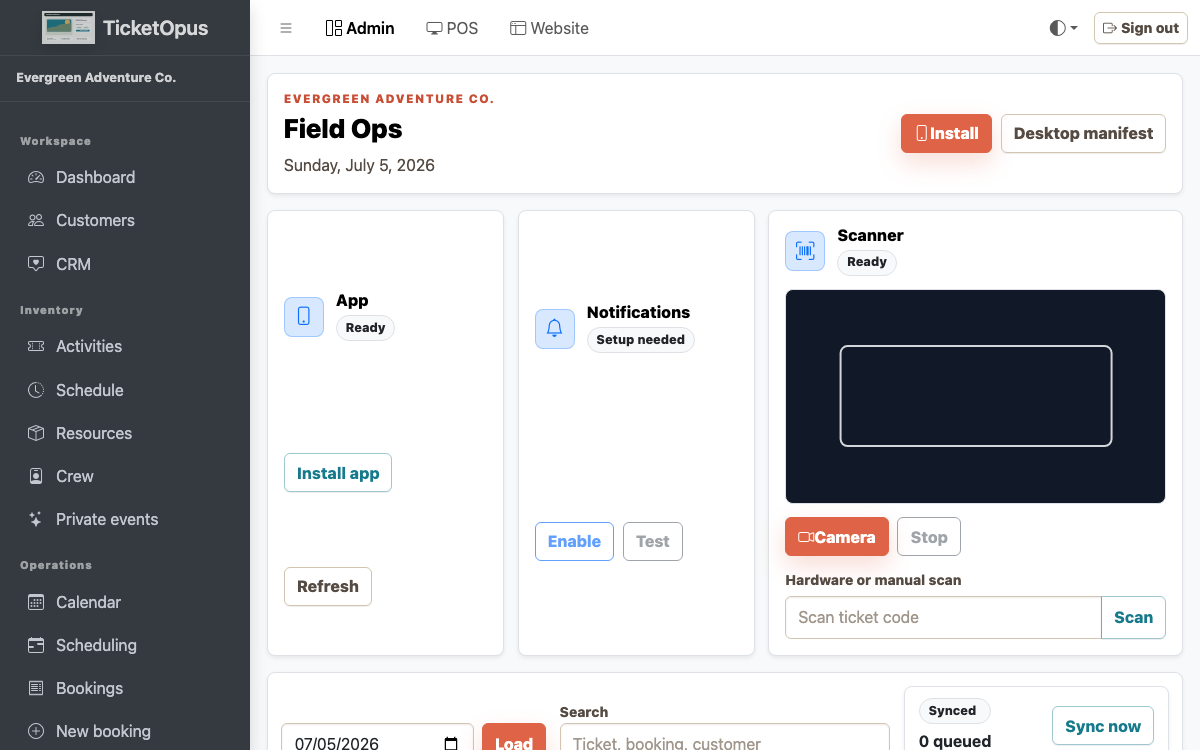
Tools for the field
Give mobile staff fast actions and a recoverable path when connectivity is unreliable.
- QR and ticket scanning
- Offline-aware mobile work
- Conflict and sync review
How it works
Where to start
-
01
Prepare the manifest
-
02
Resolve readiness gaps
-
03
Scan or check in
-
04
Review exceptions
Questions before launch
Straight answers before you decide.
Can TicketOpus start with one workflow?
Yes. The platform is designed so an operator can begin with direct booking or another priority workflow and add connected capabilities as the operation matures.
Does TicketOpus support an existing website?
Yes. Add the booking widget to your current site, or build a new site with the TicketOpus website builder.
How should we evaluate a migration?
Start with future bookings, catalog and schedules, customer records, payments and balances, integrations, domains, reporting, and the staff workflows that must work on launch day.
Are all integrations live today?
No. Stripe payments, the External API, webhooks, and SCIM directory sync are live. QuickBooks, Xero, OTA marketplaces, and Google Things to Do are not connected yet, so check with us about any connection your launch depends on.